
Here's a preview from my zine, How Containers Work! If you want to see more comics like this, sign up for my saturday comics newsletter or browse more comics!
read the transcript!
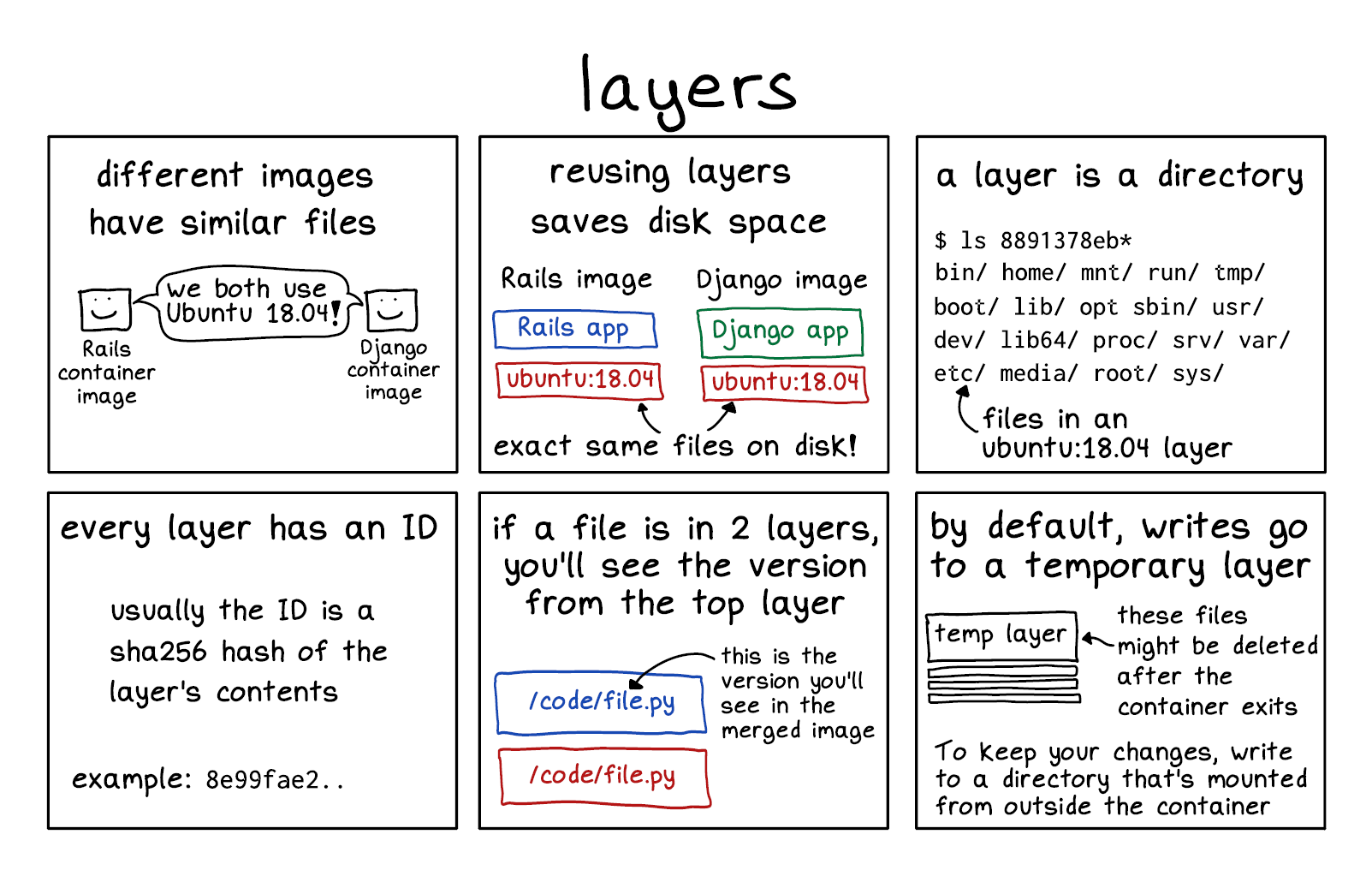
different images have similar files
Rails container image and Django container image, each represented by a box with a smiley face: we both use Ubuntu 18.0!
reusing layers saves disk space
Rails image
- Rails app
- ubuntu:18.04
Django image
- Django app
- ubuntu:18.04
Both have the exact same files on disk for ubuntu:18.04.
a layer is a directory
$ ls 8891378eb*
bin/ home/ mnt/ run/ tmp/
boot/ lib/ opt sbin/ usr/
dev/ lib64/ proc/ srv/ var/
etc/ media/ root/ sys/
etc are files in an ubuntu:18.04 layer
every layer has an ID
usually the ID is a sha256 hash of the layer’s contents
example: 8e99fae2..
if a file is in 2 layers, you’ll see the version from the top layer
Two rectangular boxes on top of one another, each labelled /code/file.py. The one on top is the version you’ll see in the merged image.
by default, writes go to a temporary layer
Illustration of a rectangle labelled “temp layer”, with a bunch of other smaller rectangles stacked underneath it. The temp layer is labelled “thse files might be deleted after the container exits.”
To keep your changes, write to a directory that’s mounted from outside the container